VR Physical Keyboard
Type naturally in VR with physical keyboard tracking.
About This Project
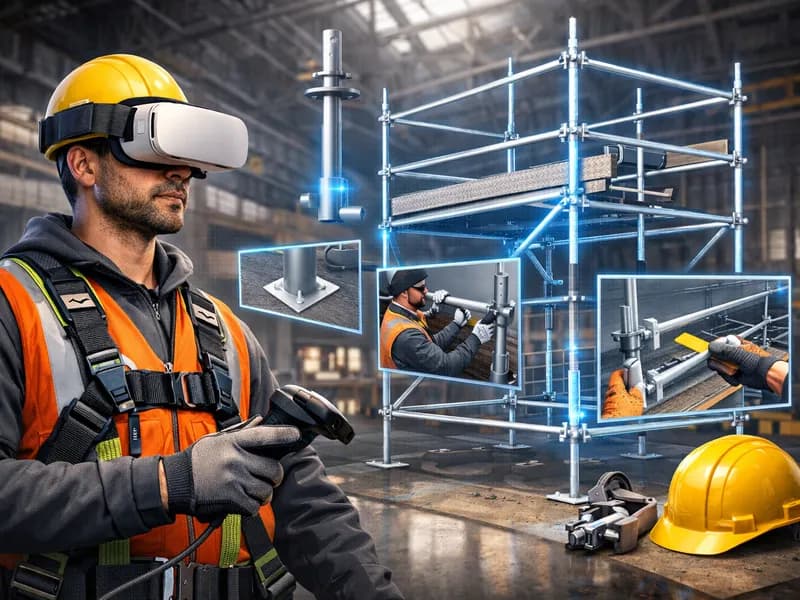
VR Physical Keyboard solves one of virtual reality's most persistent productivity challenges: efficient text input while immersed. Using the Quest 3's passthrough cameras and hand tracking, the application creates a seamless bridge between physical and virtual workspaces. Place your real keyboard on your desk, and the system automatically detects it, overlaying a perfectly aligned virtual representation in your VR environment. As you type, you see your real hands interacting with both the physical keyboard and virtual UI elements. The system supports multiple keyboard layouts, profiles for different work scenarios, and integration with popular VR productivity apps. Beyond basic typing, the application provides gesture shortcuts for common operations, customizable virtual monitors, and a focus mode that dims the real world while highlighting your keyboard and immediate workspace.
What It Does
Automatic keyboard detection using computer vision and edge mapping
Multi-layout support for QWERTY, AZERTY, Dvorak, and international keyboards
Hand tracking overlay showing accurate finger positions
Integration with Immersed, Virtual Desktop, and native Quest apps
Gesture shortcuts for copy, paste, window management, and app switching
Customizable passthrough opacity for varying focus levels
Built With
TECHNOLOGIES
PLATFORMS
Engine
Unity
Year
2024
Category
VR Utility
Project Scope
Studio
XR Studio
Platforms
Deployed to 2 platforms
Tech Depth
4 technologies across Unity
Client
Productivity Tools
Delivered
2024